macOS 13 · $1.99
Every click, beautifully alive.
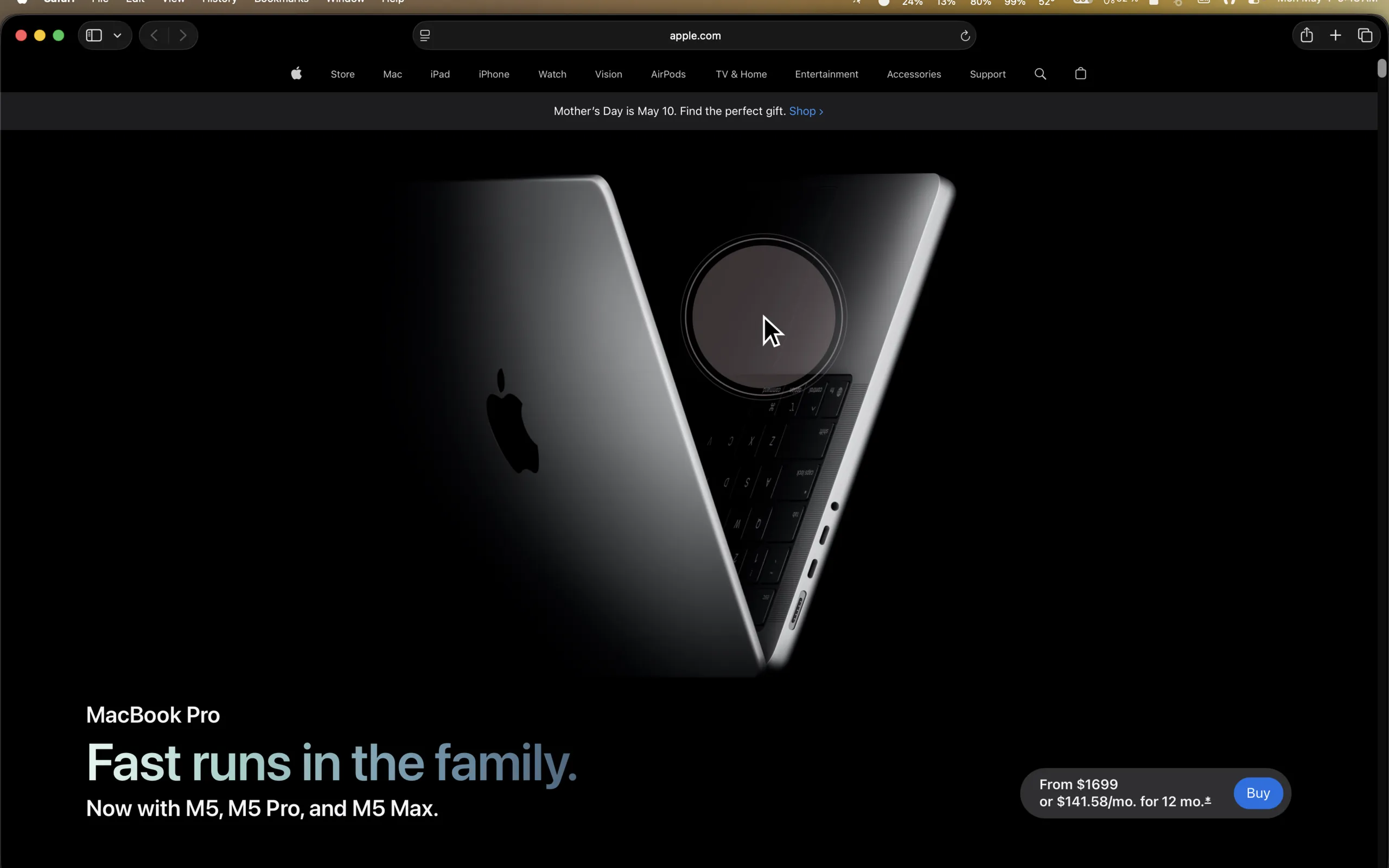
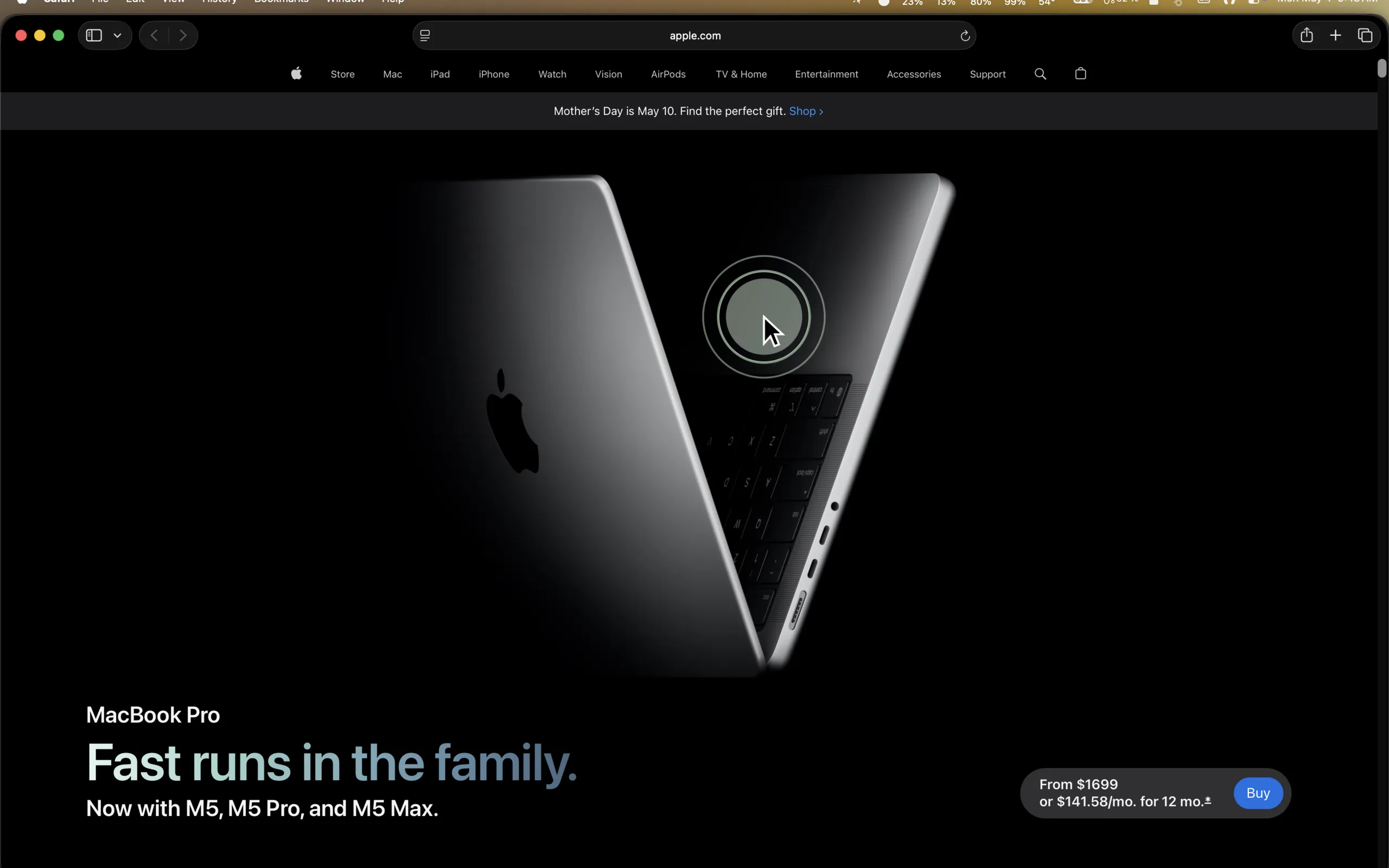
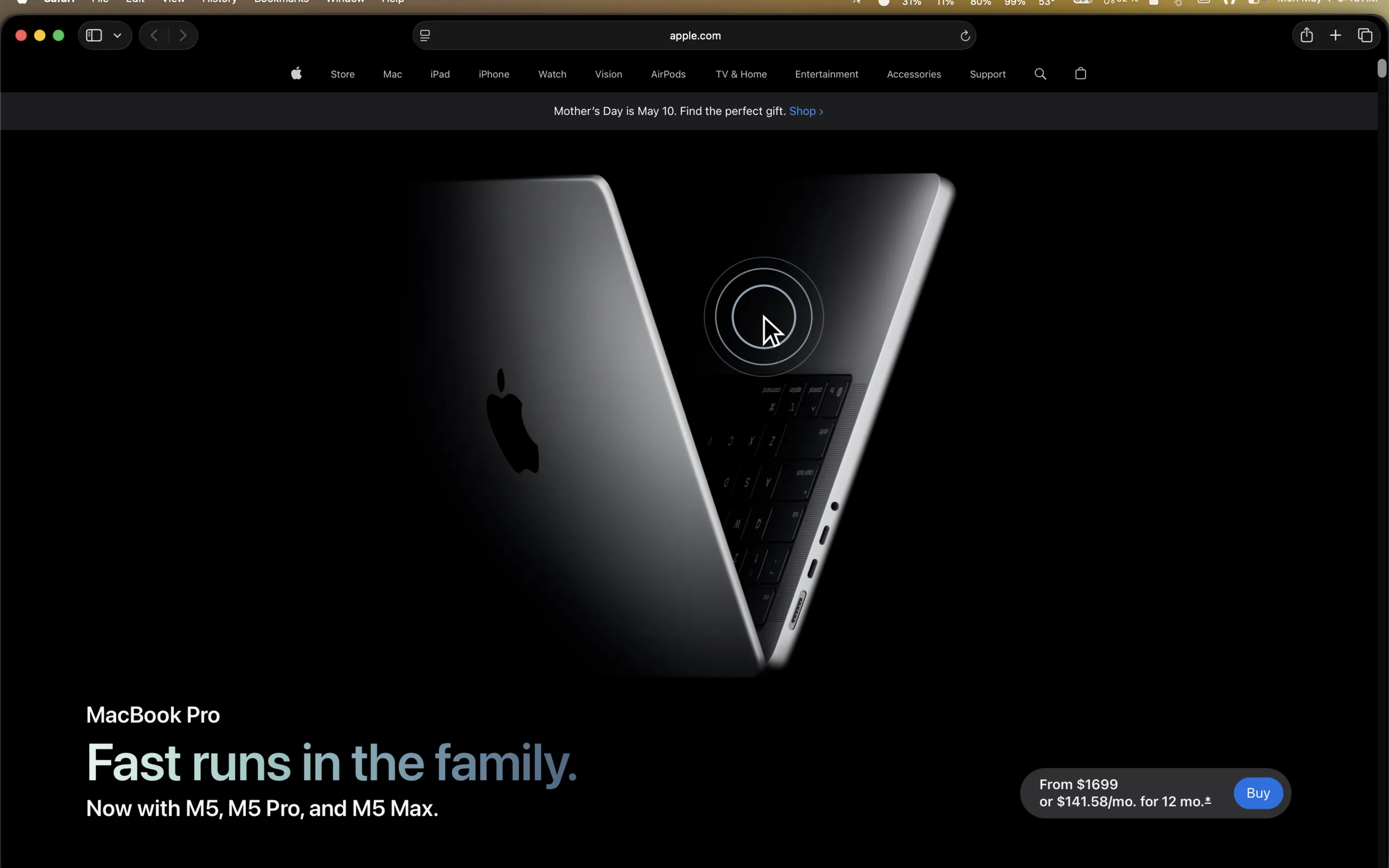
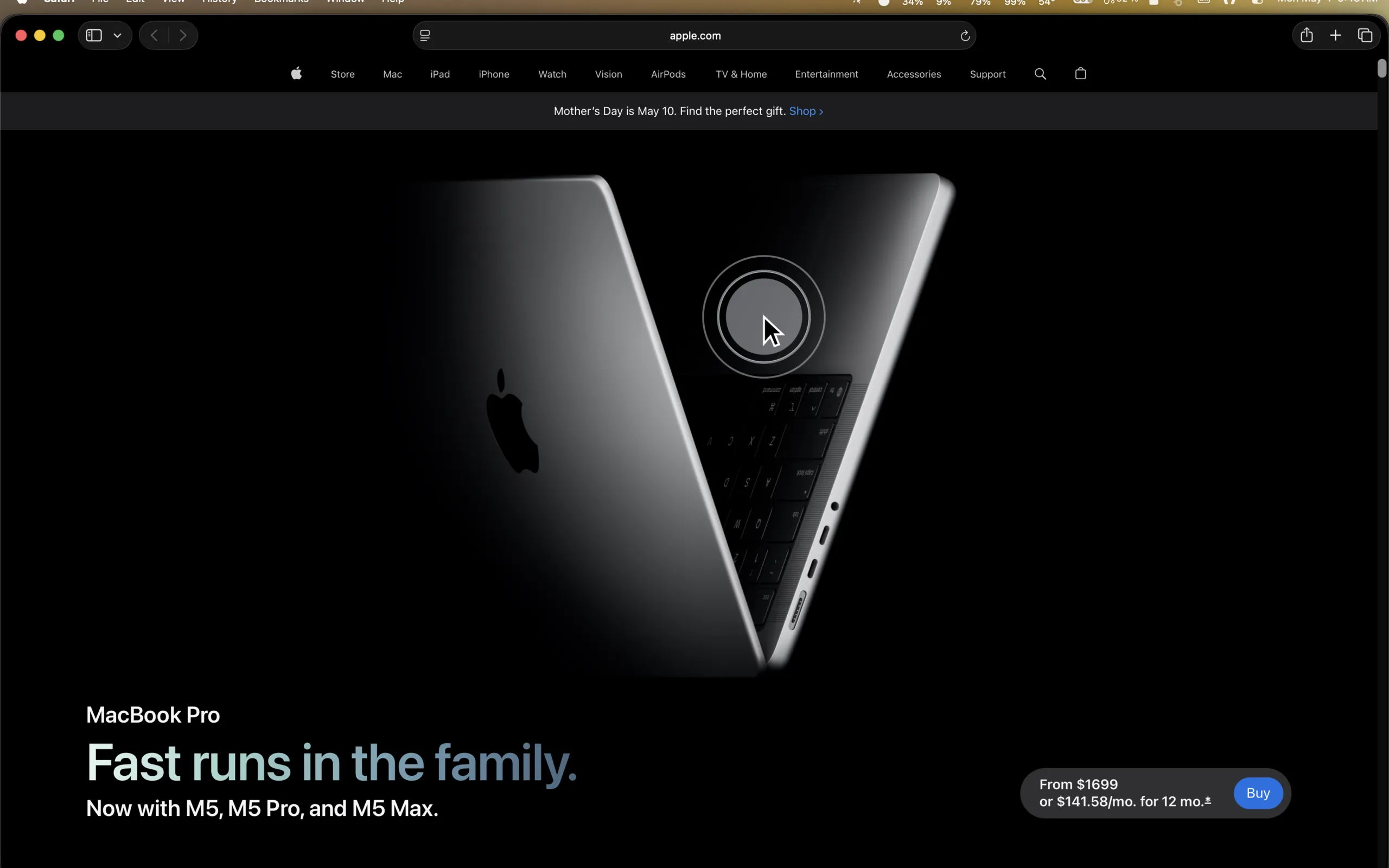
Drops adds a subtle ink-drop ripple wherever you click across every app, every window, on every screen.
Download on the
Mac App Store
$1.99 · macOS 13+
Drops adds a subtle ink-drop ripple wherever you click across every app, every window, on every screen.
See it in action
Why Drops
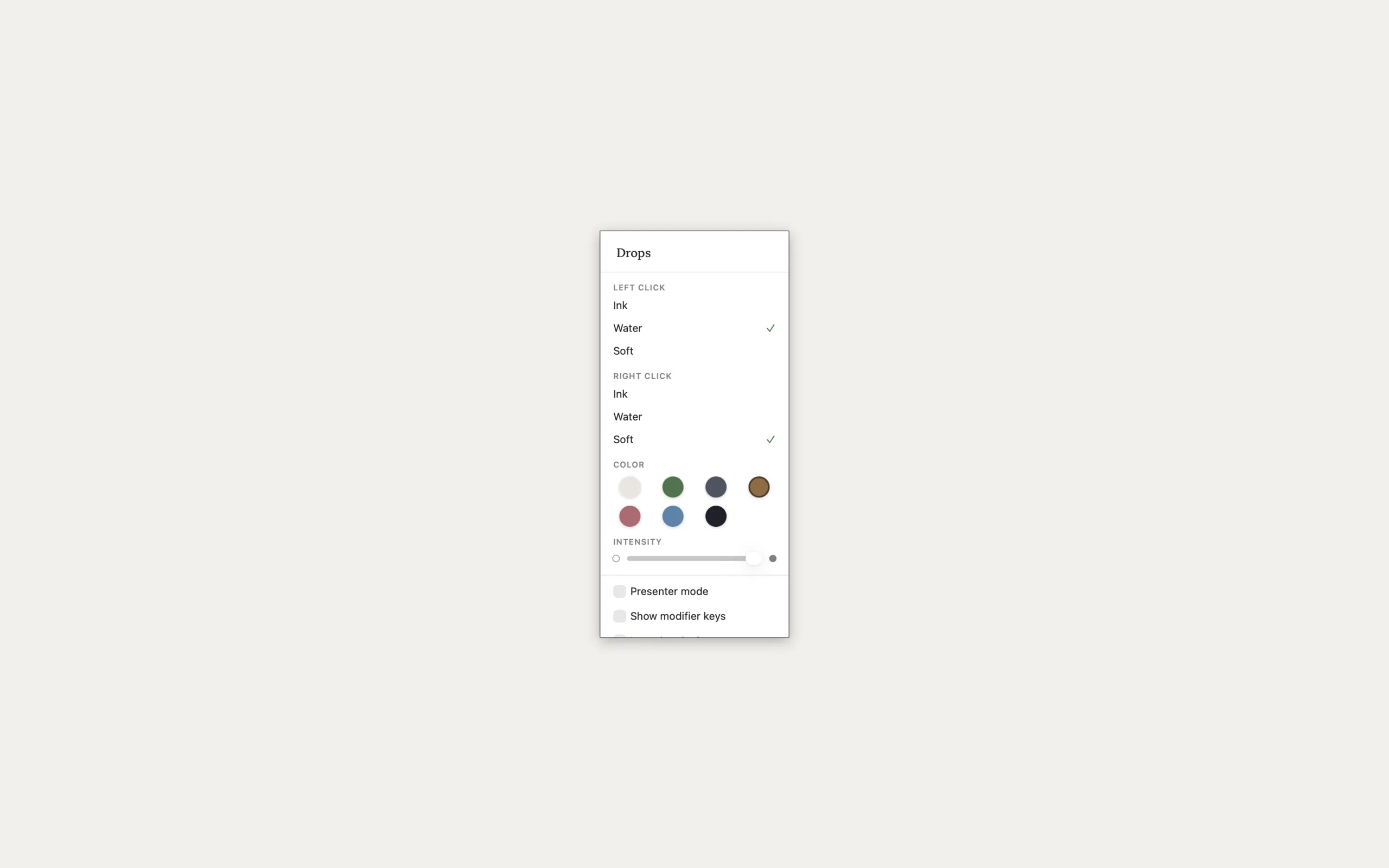
Ink, Water, or Soft set a different style for left and right clicks. Each has its own feel, from a precise ink-drop to a spreading water wave.
White, Sage, Slate, Sand, Rose, Sky, and Midnight. The ripple adapts automatically for light and dark backgrounds so it always looks right.
Speaking or recording? Switch on Presenter Mode for a 1.6× larger ripple at full intensity, so every click is impossible to miss on screen.
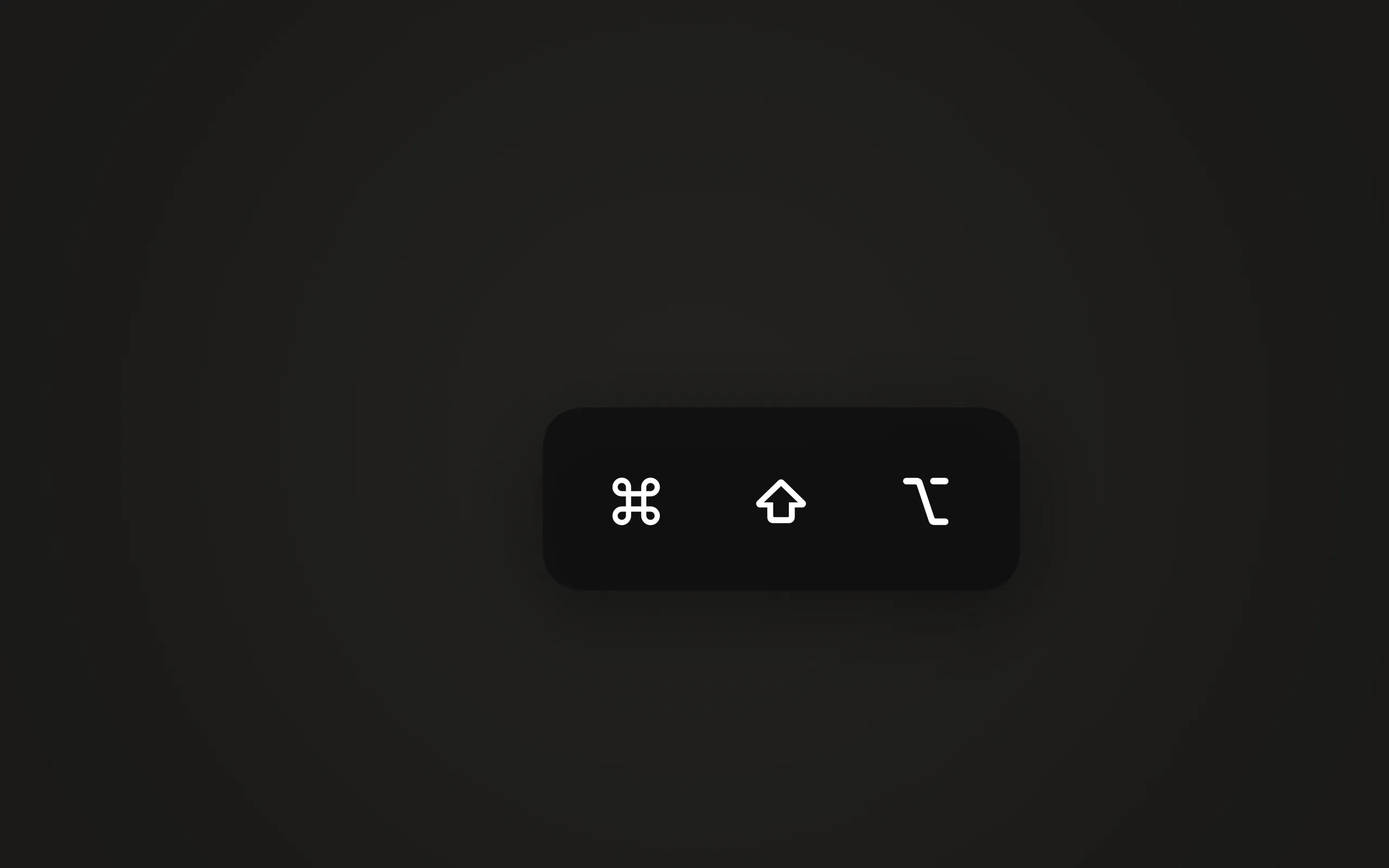
A floating HUD shows ⌘ ⇧ ⌥ ⌃ whenever you hold a modifier key. It fades after 1.5 seconds perfect for walkthroughs and tutorial recordings.
A single slider dials the ripple from a whisper to bold. Use it subtly during daily work or turn it up when you need every click to register on camera.
Drops follows your cursor across every connected display. Plug in as many monitors as you want ripples appear on all of them, every time.
Ink drops a solid circle that blooms outward. Water sends concentric rings across the screen. Soft wraps the click in a gentle glow. Mix and match for left and right clicks.
Each style is tuned to feel natural at any speed quick clicks or deliberate ones.
The floating HUD appears the moment you hold Command, Shift, Option, or Control. It sits unobtrusively in the corner, then fades on its own no clutter between keystrokes.
Pairs perfectly with Presenter Mode for full click-and-key visibility.
Drops has no dock icon and no windows. Everything lives in a compact menu bar popover style, color, intensity, and toggles for Presenter Mode and modifier display.
Changes take effect immediately. No restart, no settings window.
Whether your wallpaper is bright white or near-black, Drops adapts. The ripple color renders beautifully against light interfaces and dark ones no tweaking required.
Seven colors available, each calibrated for contrast on any desktop.
Pricing
Pay once. Use everything, forever. No subscription, no in-app purchases.
$1.99 · macOS 13 Ventura or later · No account required.
Drops requires no special permissions. It never reads what you clicked on, what is on your screen, or what keys you typed. No keystrokes, no screen content, no coordinates are ever logged or transmitted. No analytics. No network requests. Ever.
$1.99 for Mac. Open it and you're done.